
Getting Started

New to AuctionFlex 360 & HiBid? Start Here.

Learn how AuctionFlex 360 and HiBid work together, set up your account, build your first sale, and follow best practices for smooth operations at every stage.

Getting Started

Set Up Your Account

Learn what AuctionFlex 360 and HiBid are, how they work together, and how to create your account.

01
Understand your workflow and how AuctionFlex 360 and HiBid work together
02
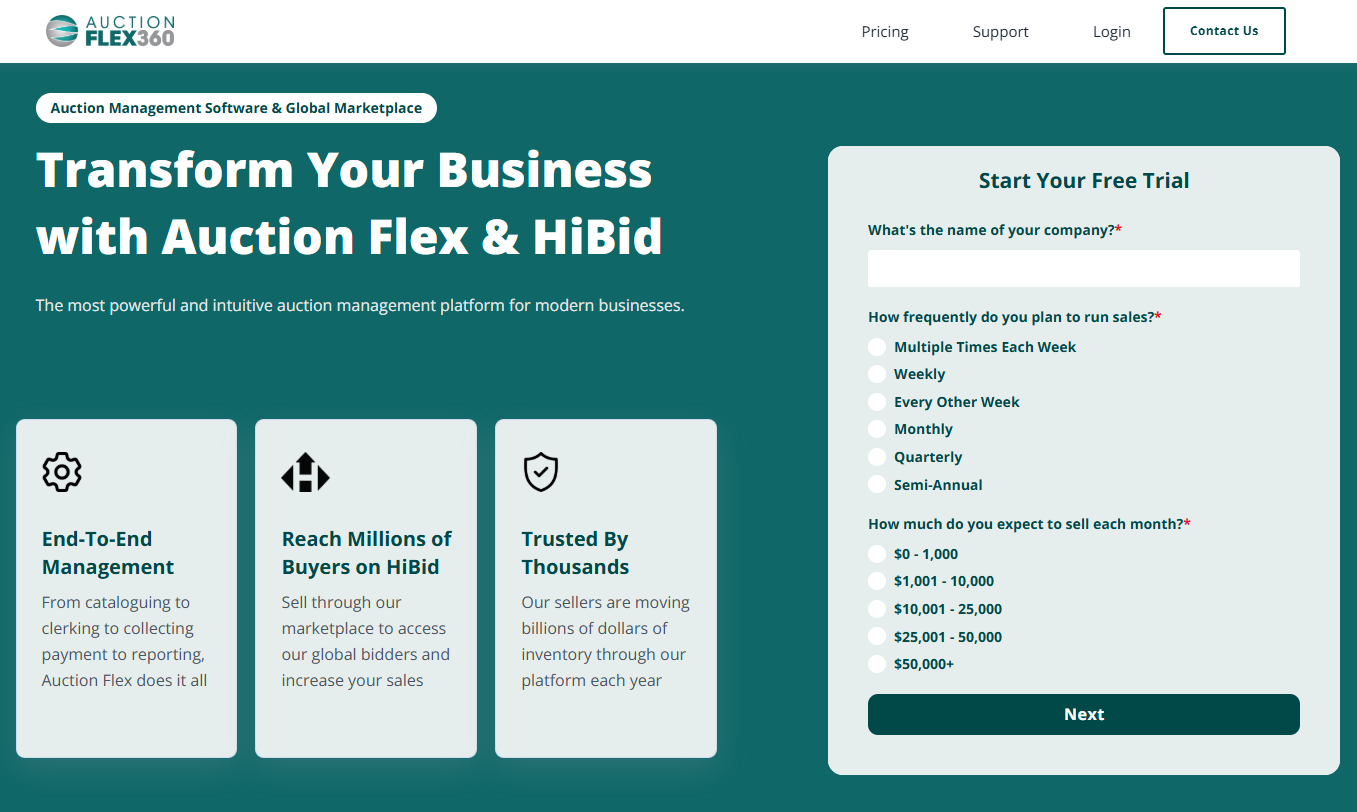
Sign up for your Free Trial of AuctionFlex 360 here
03
Create your first auction
Pre-Auction

Build & Post Your Sale

Build your auction from the ground up and post to HiBid. Follow the steps below to ensure your sale is ready for launch.

01
Fill in your Auction Details
02
03
Catalog your sale
04
Complete the Pre-Launch Checklist before posting your sale

If you haven't activated your account, please reach out to us at 844-775-4621.

Auction Day

Run Your Sale

Learn day-of operations, how to manage bids, set permissions for your sales, and more.

01
If hosting a live auction, learn how to check bidders in and clerk the sale
Note: This step can be skipped if you are running an online-only sale
02
Login to MyHiBid to manage bids, create permissions, and view important metrics. View our MyHiBid tutorial here.
03
Upload your Logo to your white label site
04
Promote your auction

Post-Auction

Close & Settle

Learn how to close your sale, invoice winning bidders, collect payments, and finalize consignor settlements.

01
Download sale data from HiBid to AuctionFlex 360
02
Navigate to Settlements and batch process credit cards
03
Send Pay Links to outstanding invoices and provide paid settlements to fully paid buyers
04
Reconcile and pay consignors

💳 Need credit card processing? Learn more about Global Payments and HiBid integration.

Before You Go Live

Launch Success Checklist

Get everything in place before your first auction goes live. This checklist walks you through essential setup steps in AuctionFlex 360 and HiBid to ensure your account, listings, and settings are ready for a smooth launch.

Access the Launch Guide